Everything you need to show Shopify variants as separate products across collection pages, homepage sections, and search results — without editing your theme.
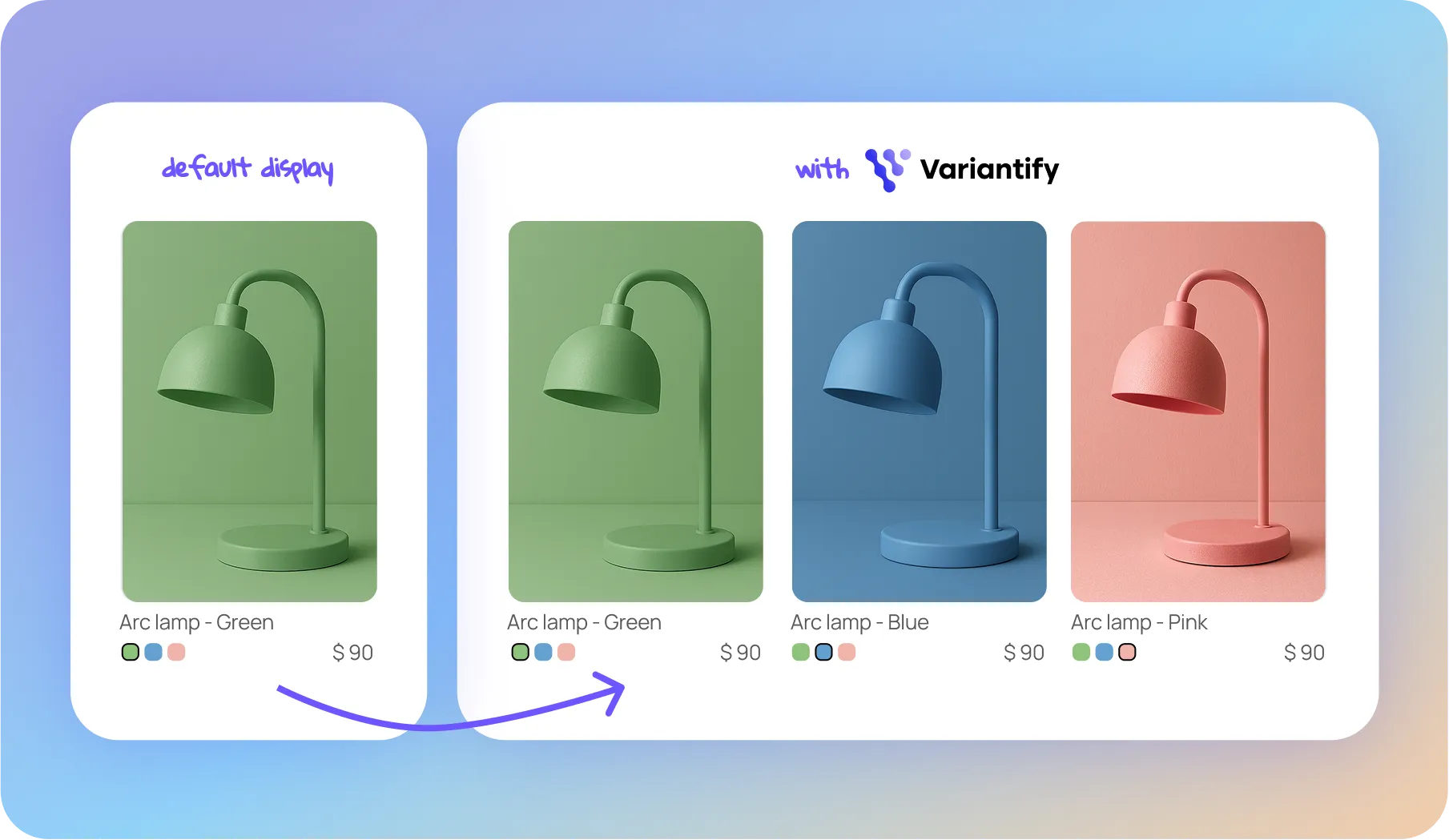
Display each variant as its own product card directly inside collection grids.
Color, size, material or any custom option.
Hide out of stock, show only discounted, filter variants without image or mix variants.
Variants are displayed individually without duplicating products.
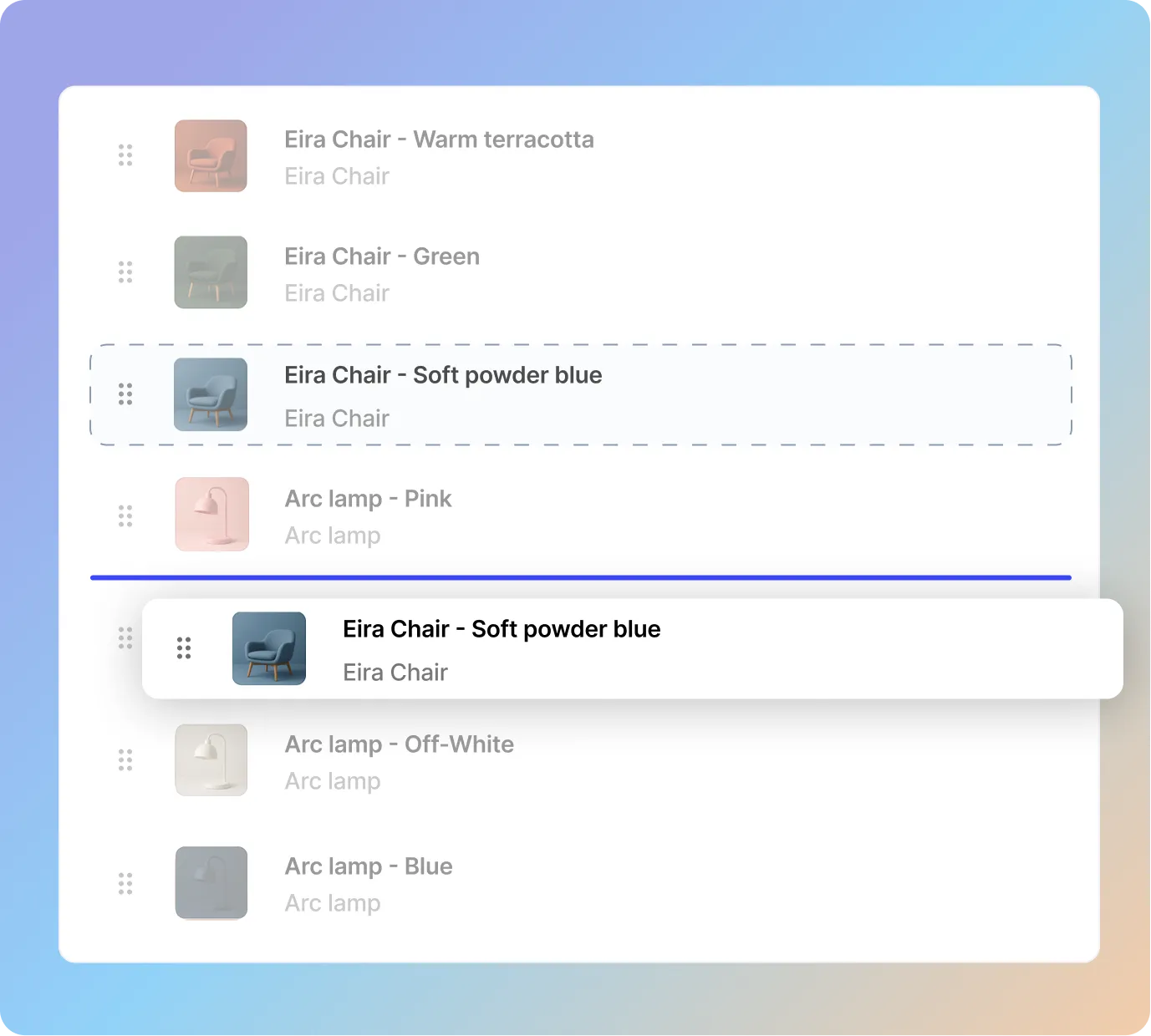
🔀Drag & drop to control display order on each collection page.
Toggle visibility per variant, per collection.
By default Shopify shows only one product card per product in collection pages.
Variantify lets you display each variant as its own product card, making it easier for customers to browse colors, sizes, and styles directly from the collection grid.
Key benefits

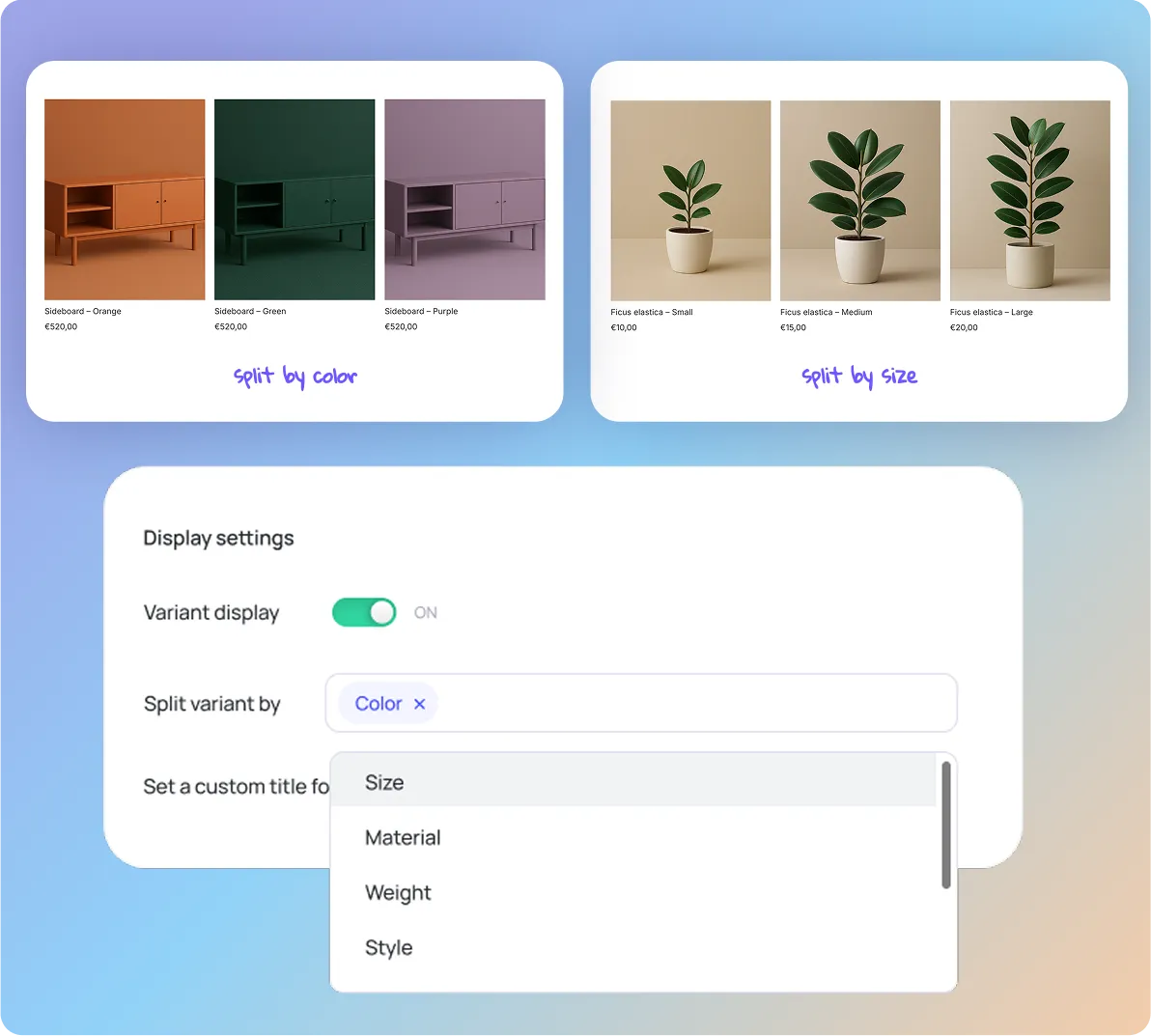
Variantify can split Shopify products by any variant option.
Whether your products use color, size, material, or custom attributes, each variant can be displayed individually in collections.
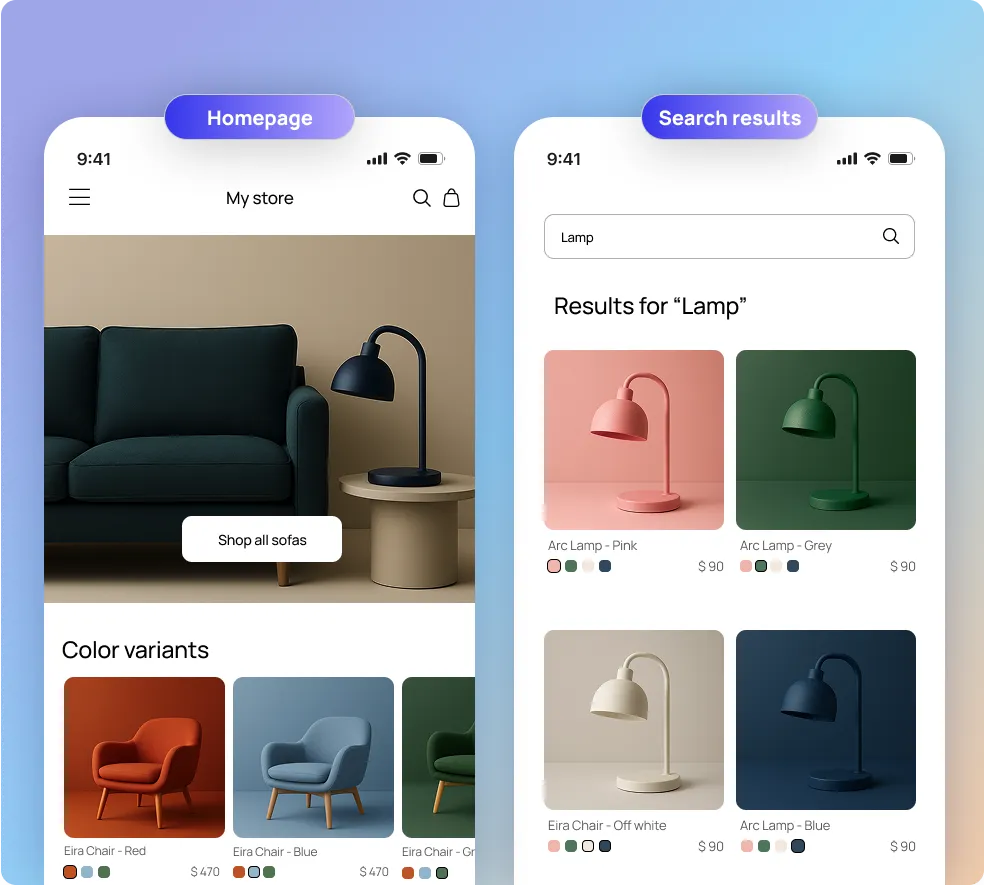
Variantify also works beyond collection pages.
Variants can be displayed inside featured collections on your homepage and inside Shopify search results.
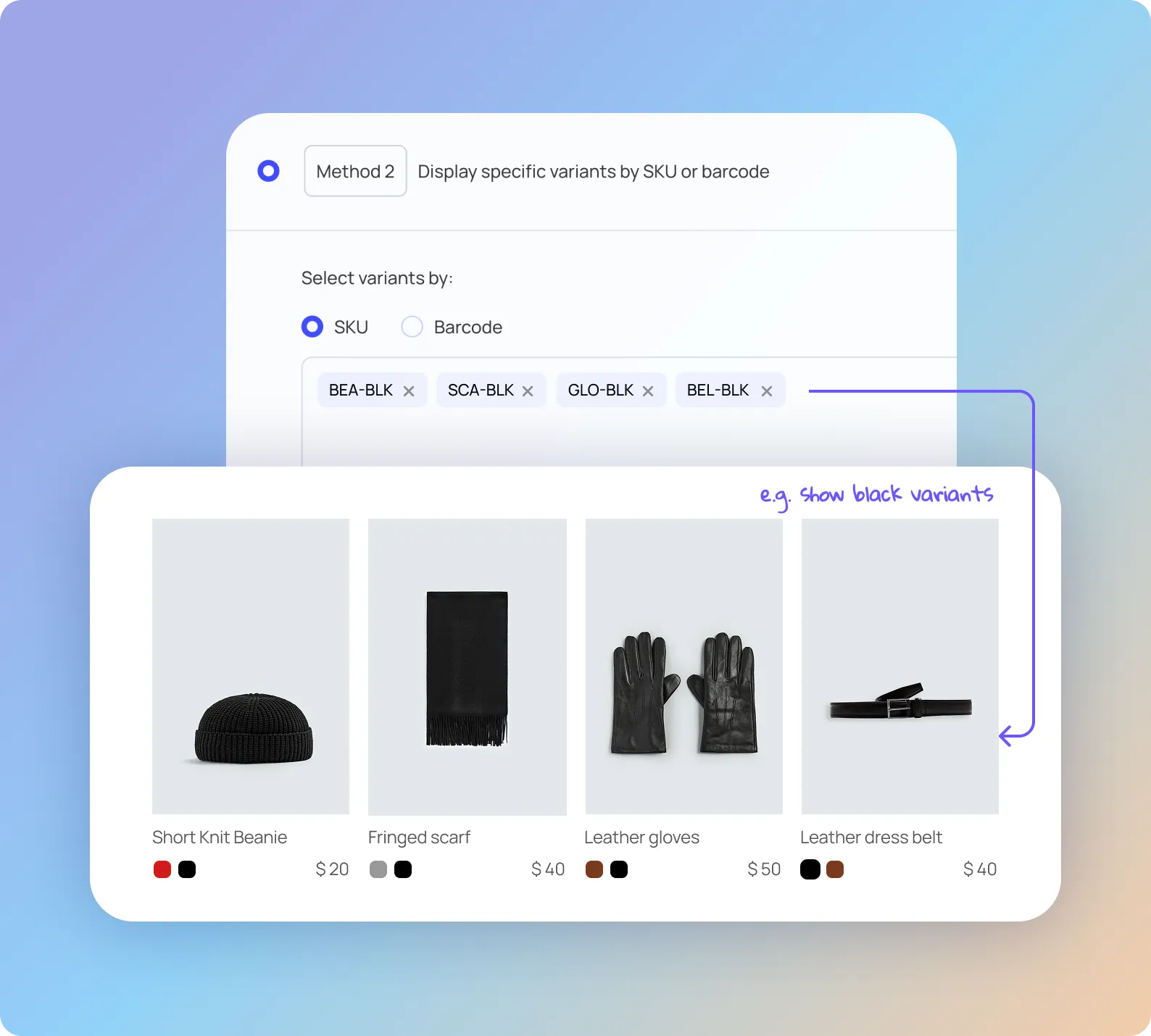
Sometimes you don’t want to display all variants — only selected ones.
Variantify lets you create collections that include specific variants only, selected by:
This is ideal for advanced merchandising strategies, such as:
You stay in full control of which variants appear, without duplicating products in Shopify.
Control exactly how variants appear on your collection pages.
With drag & drop reordering, you decide the display order of every variant — prioritize best-sellers, seasonal colors, or new arrivals.
Just drag, drop, and save. The new order applies instantly to your storefront.
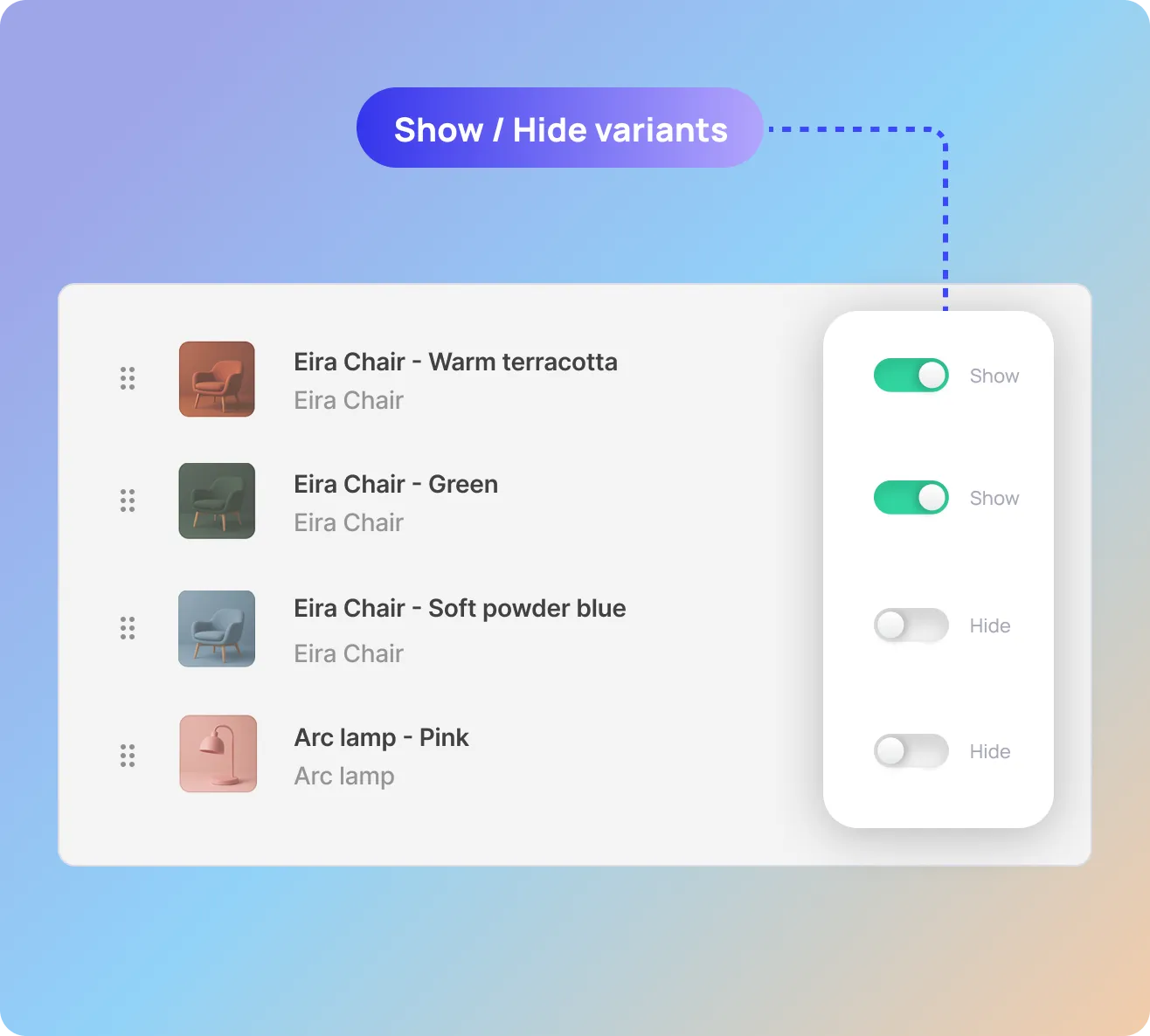
Not every variant needs to appear in every collection.
Variantify gives you a simple toggle to show or hide individual variants on any collection — without affecting your Shopify product data or other collections.
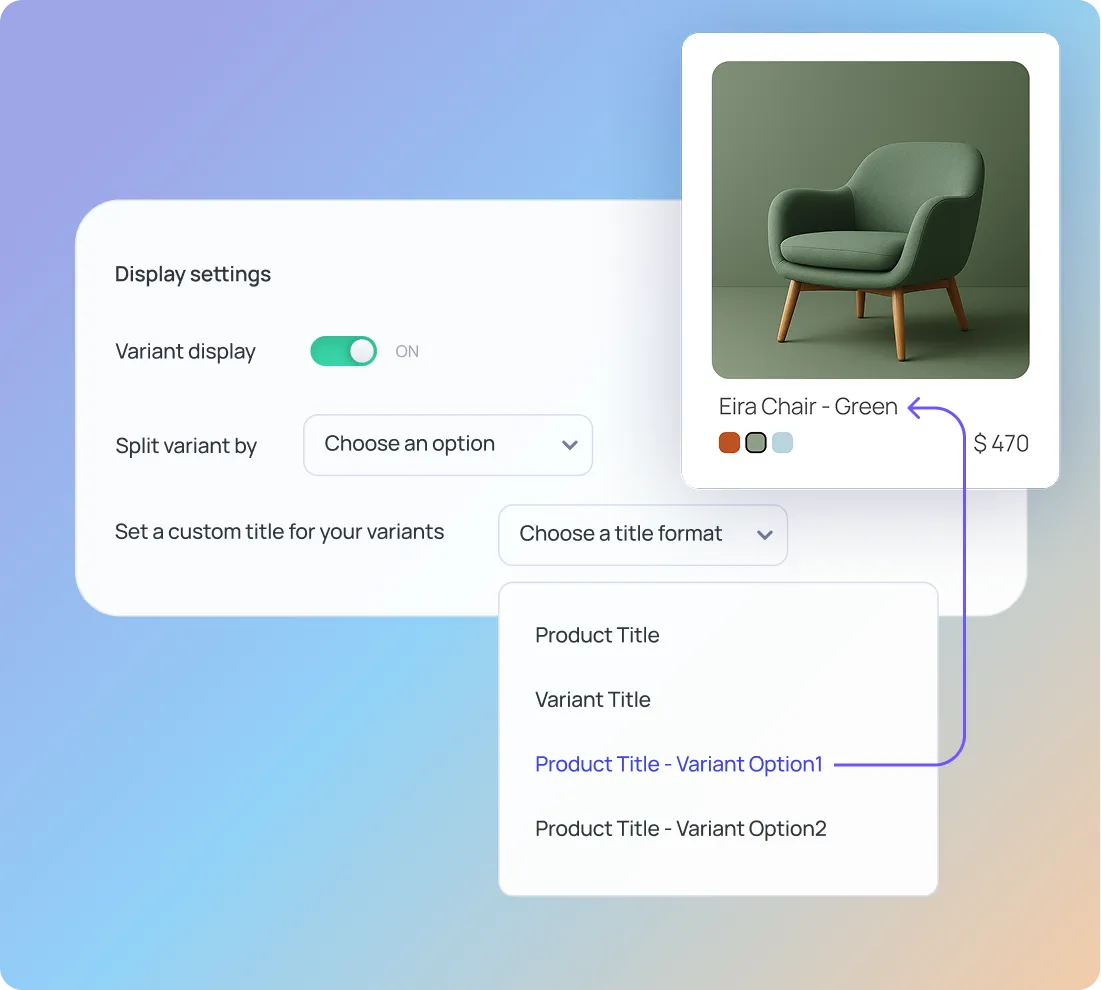
When variants are displayed individually, naming matters — for both SEO and clarity.
Variantify lets you define how variant titles appear in collections, for example:
You can choose between multiple title formats, combining:
This ensures your collections remain readable, consistent, and optimized for search engines.
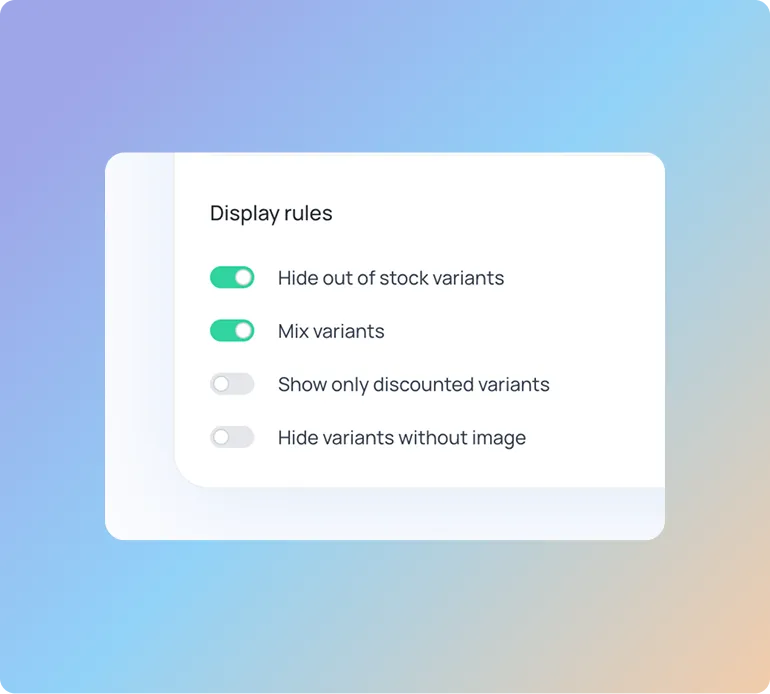
Decide exactly which variants should appear in your collections.
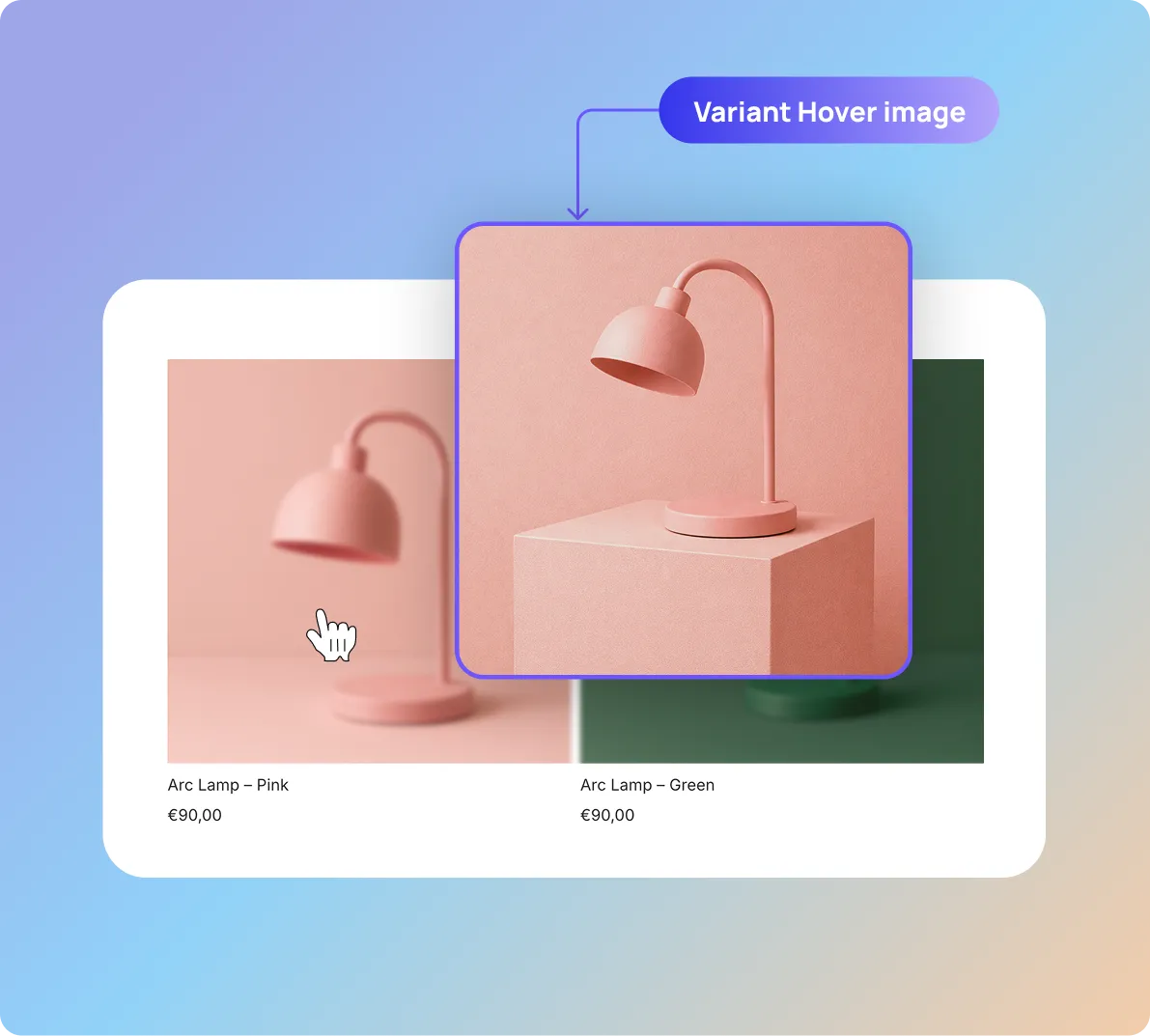
When variants are displayed individually on collection pages, visuals must stay consistent.
Variantify lets you define a dedicated hover image for each variant, so every product card clearly reflects the variant shown — before and after hover.
Manage everything from the app dashboard.
Configure variant display in minutes.
No code, no theme editing, no maintenance.
Instead of duplicating products or modifying your theme code, you can use a Shopify app designed to display variants as separate items.
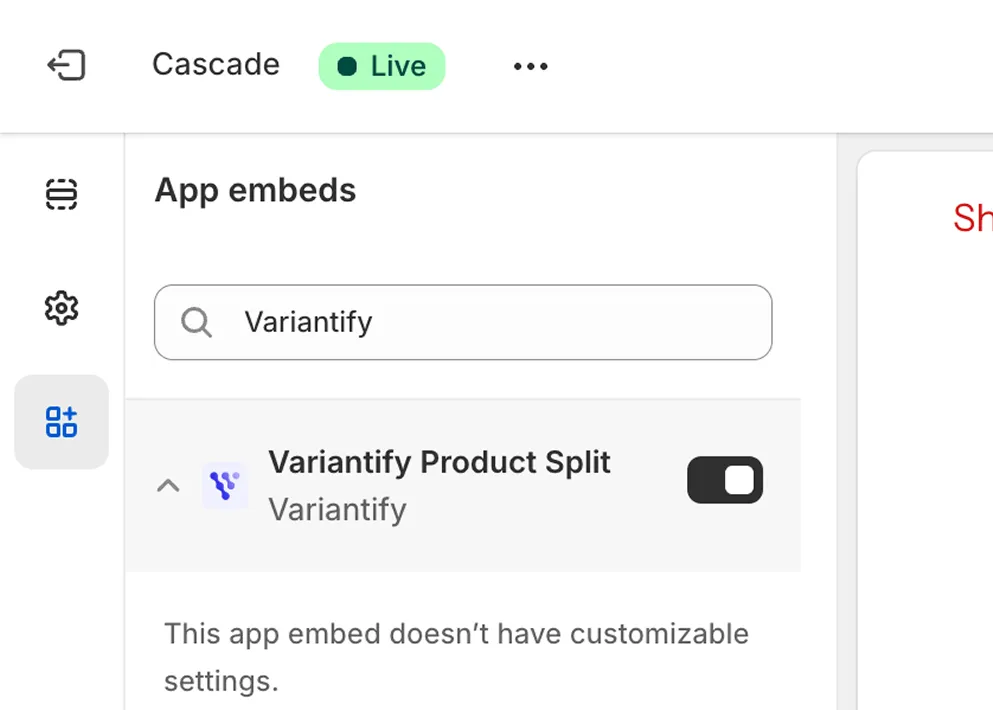
Install the app from the Shopify App Store and enable the app in your theme settings.
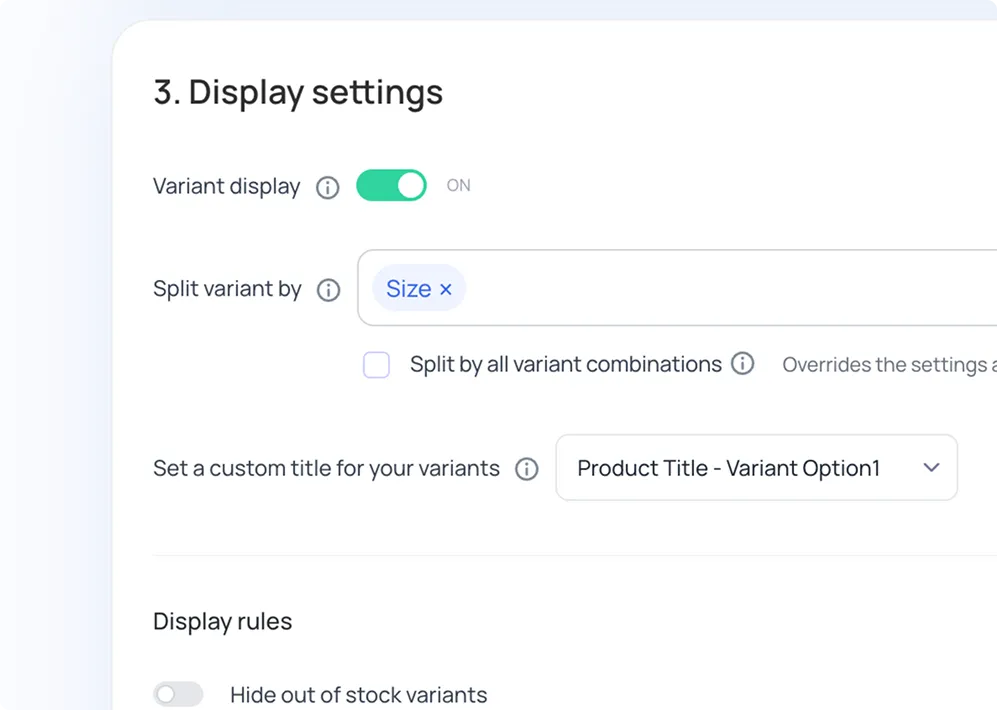
Select which variant option you want to display individually.
Variants appear automatically in your collections.
Install Variantify and improve how customers browse your Shopify collections.
Install on Shopify
